Your Meta Profile — Ready to Launch
Every piece of content, every visual asset, and a step-by-step setup guide. Copy, paste, upload, and go live in under 30 minutes.
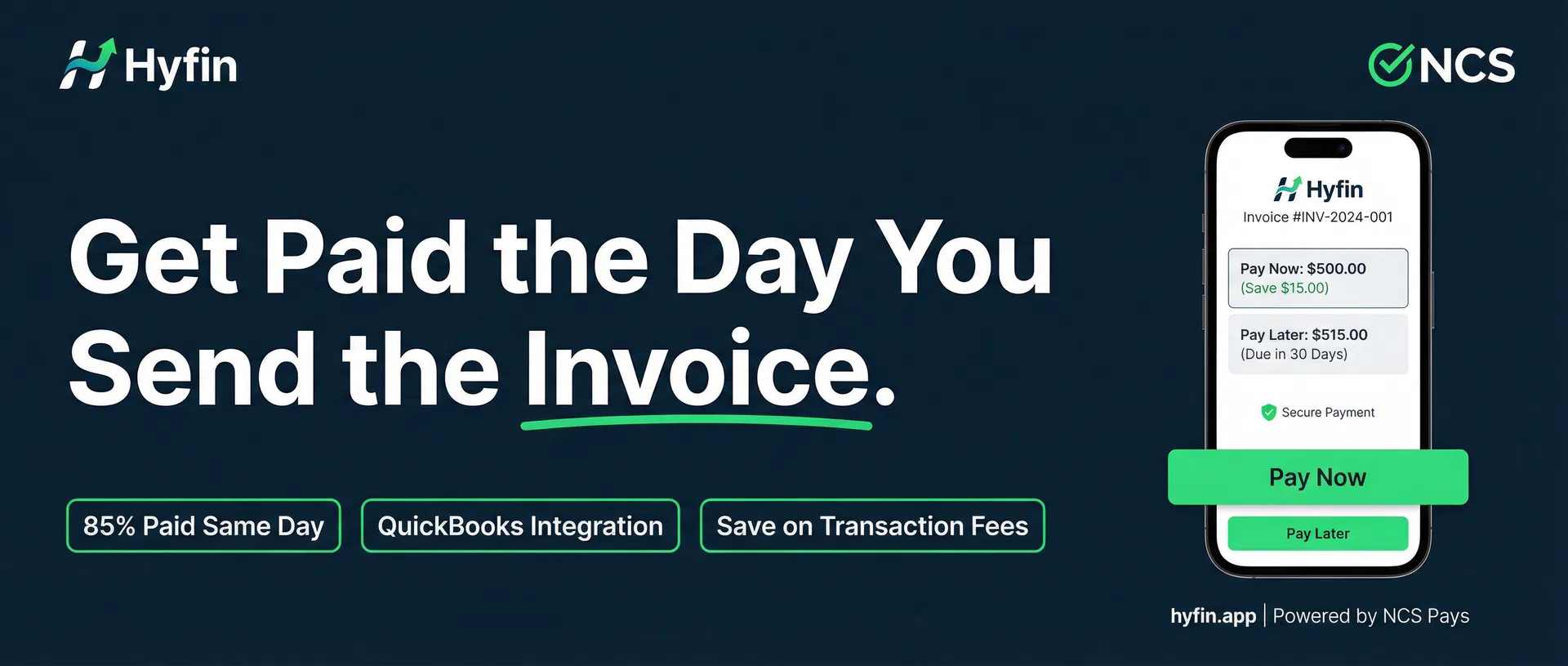
Get paid the day you send the invoice. Hyfin is the mobile invoicing platform for contractors, consultants, accountants & service businesses. Syncs with QuickBooks Online. Powered by NCS Pays.
Hyfin is a mobile-first invoicing platform that helps service businesses get paid faster, save on transaction fees, and keep their books clean automatically.

Built for contractors, consultants, accountants, caterers, designers, and any professional who sends invoices for their work.

Key Features:
• Get paid same day — 85% of Hyfin invoices are paid the same day they're sent
• Dual pricing — offer Card and Cash/ACH pricing so clients choose how to pay
• Save on transaction fees — pass processing fees to clients legally
• QuickBooks Online integration — invoices, payments, and customers sync automatically
• Mobile-first — send invoices from your phone in under 2 minutes
• Automatic reminders — never chase a payment again
• Free 30-day trial — no credit card required

Powered by NCS Pays — your trusted payment solutions partner.

Contact Keith to get started:
📞 267-673-4013
📧 [email protected]
🌐 hyfin.app
- 1Go to facebook.com/pages/create
- 2Select 'Business or Brand'
- 3Page Name: 'Hyfin — Powered by NCS Pays' (or 'NCS Pays — Hyfin Invoicing')
- 4Category: Search and select 'Financial Service' or 'Software'
- 5Click 'Continue'
🚀 Introducing Hyfin — the invoicing platform built for people who actually work for a living.

Contractors. Consultants. Accountants. Caterers. Designers.

If you send invoices, Hyfin was built for you.

✅ Get paid the same day you send the invoice
✅ Save on transaction fees with dual pricing
✅ Syncs directly with QuickBooks Online
✅ Takes 5 minutes to set up

Stop chasing payments. Start getting paid.

👉 Try it free at hyfin.app

Contact Keith to learn more: 267-673-4013 | [email protected]
After posting your Day 1 intro post, pin it to the top of your page. This is the most important post on your page — it sets the tone, explains what Hyfin does, and drives visitors to hyfin.app.
In the first 30 days, reply to every single comment within 1 hour. Facebook's algorithm rewards pages with high engagement rates — early engagement boosts your organic reach significantly.
After publishing your first 3 posts, invite all your Facebook friends to like the page. Aim for 100 page likes in the first week — social proof matters for new visitors.
After 48 hours, check which post has the most organic engagement. Boost it for $20–$50 targeting contractors or accountants in your target states. High-engagement posts perform better as ads.